For poultry and fish farms in Nigeria
Farm records that work where your farm is.
Oko keeps your daily records, animal health, feed stock, sales and money in one place, on any phone, even with no network. You see what each batch really made, and your workers know what to do today.
Free while we run the pilot. Your records stay yours.
What Oko does
Everything a farm records, in one place, without the notebook.
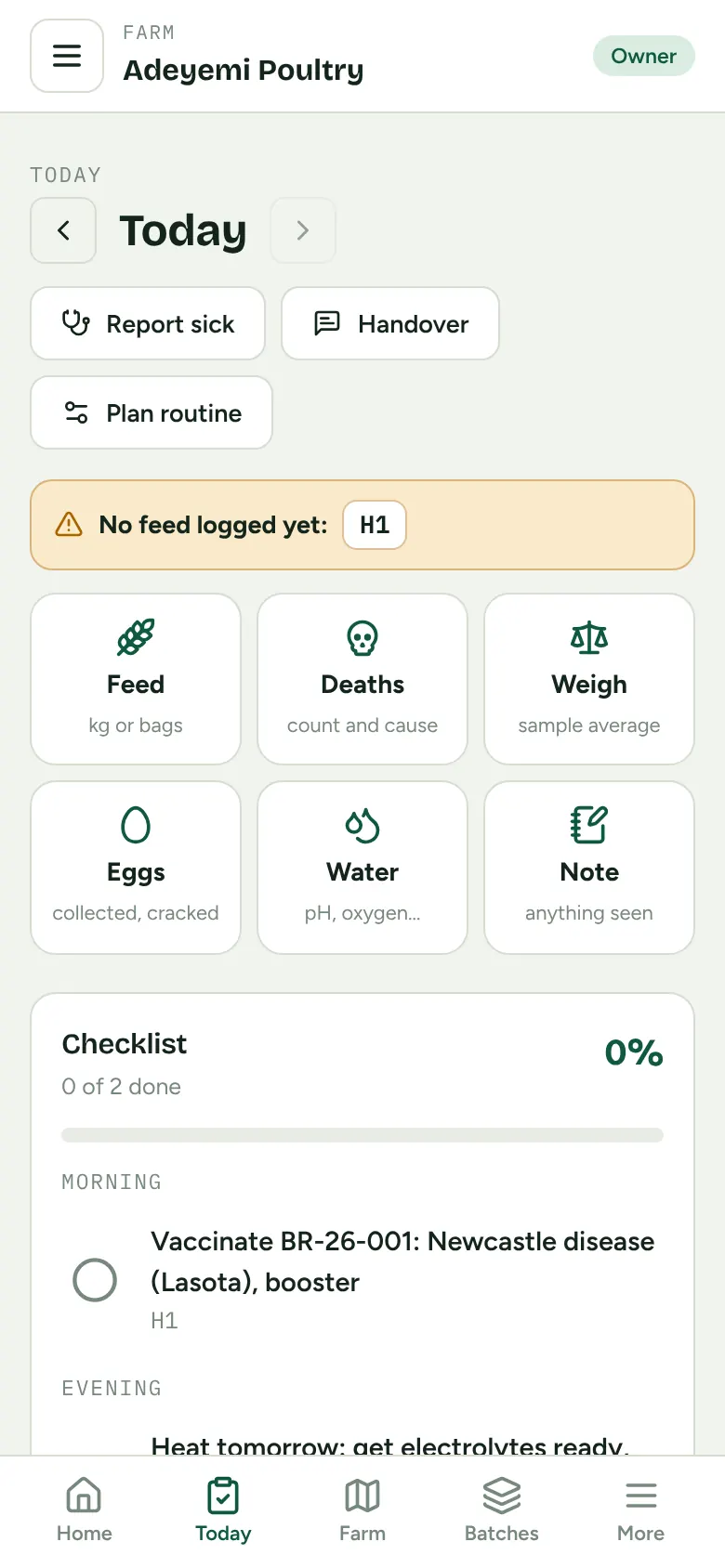
A day's work in five minutes
Feed, deaths, eggs, weights and water checks in a few taps. Workers see only their houses and ponds, in Simple mode with big buttons.
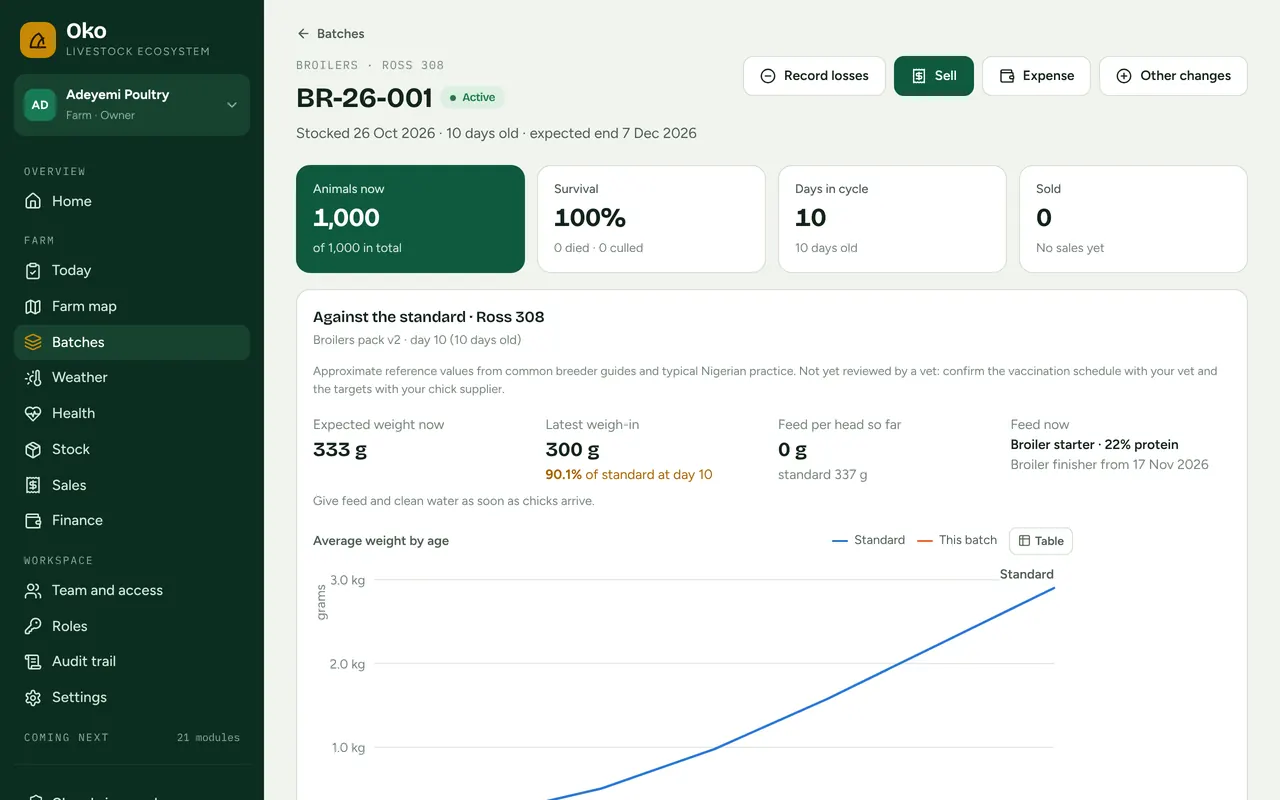
Every batch, start to finish
From day-old chicks or fingerlings to sale: count, survival, feed conversion and growth against the breed standard.
Health you can prove
Vaccination schedules per breed, treatments and sick-animal reports with photos. Animals under drug withdrawal cannot be sold.
Feed stock by delivery
Know what is in the store, what runs low and what each batch really ate, at the price of the bags it came from.
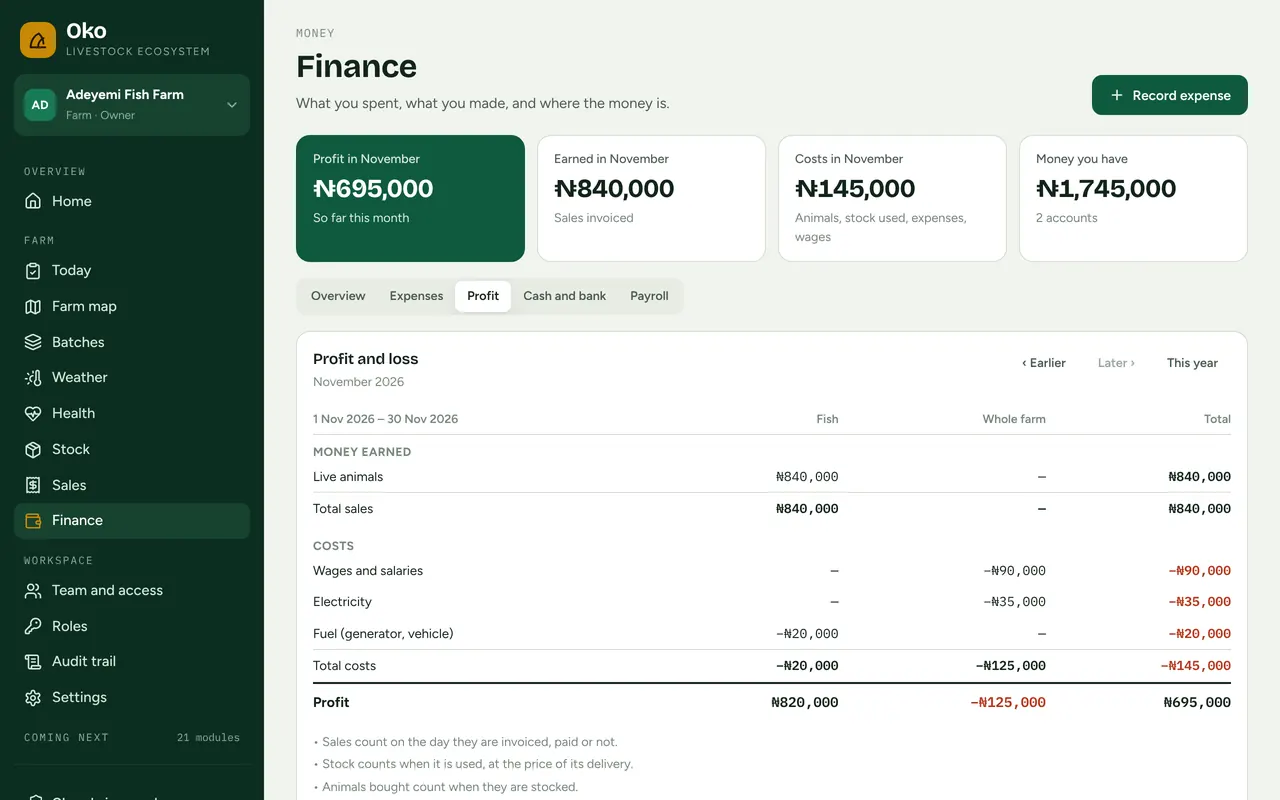
Sales, credit and profit
Invoices, who owes you and since when, expenses, wages and profit per batch, reconciled to the naira.
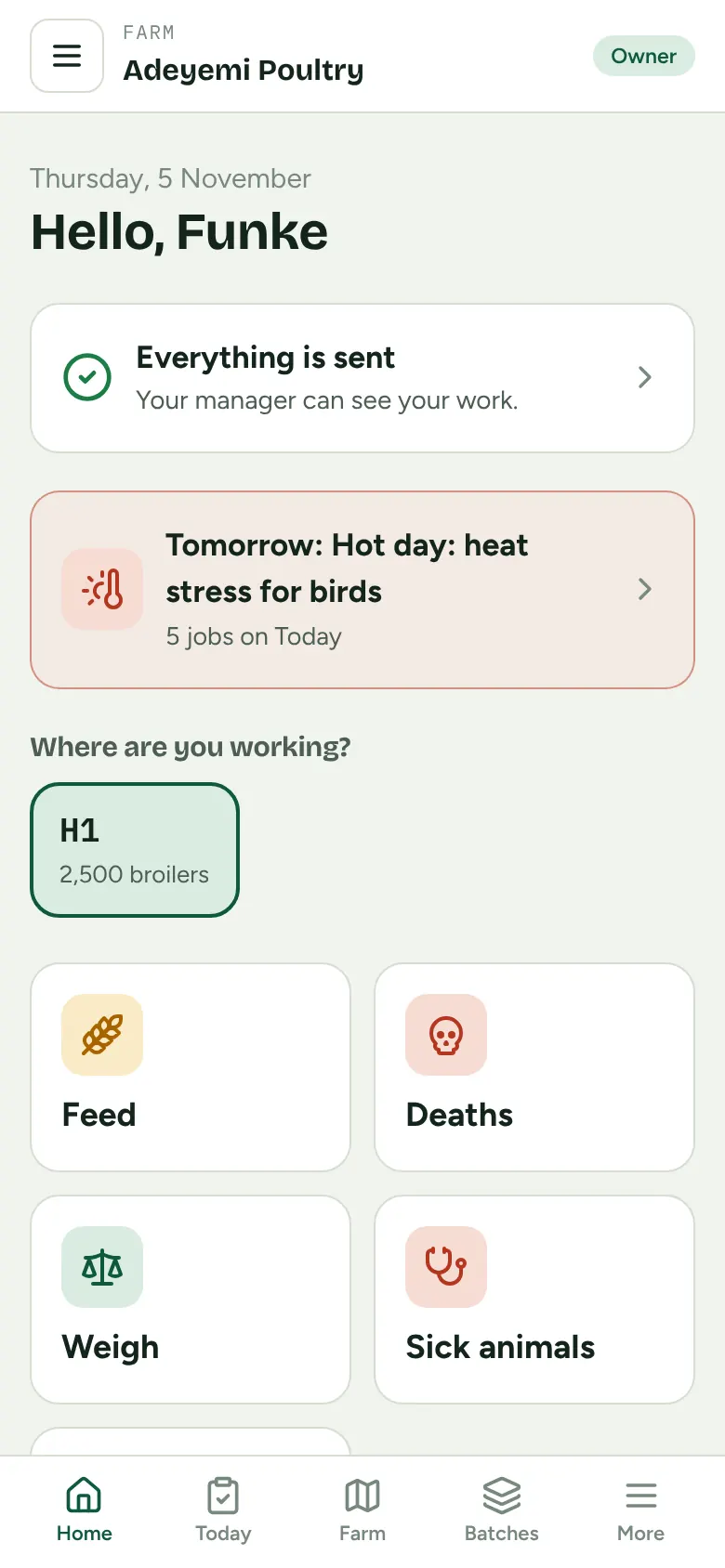
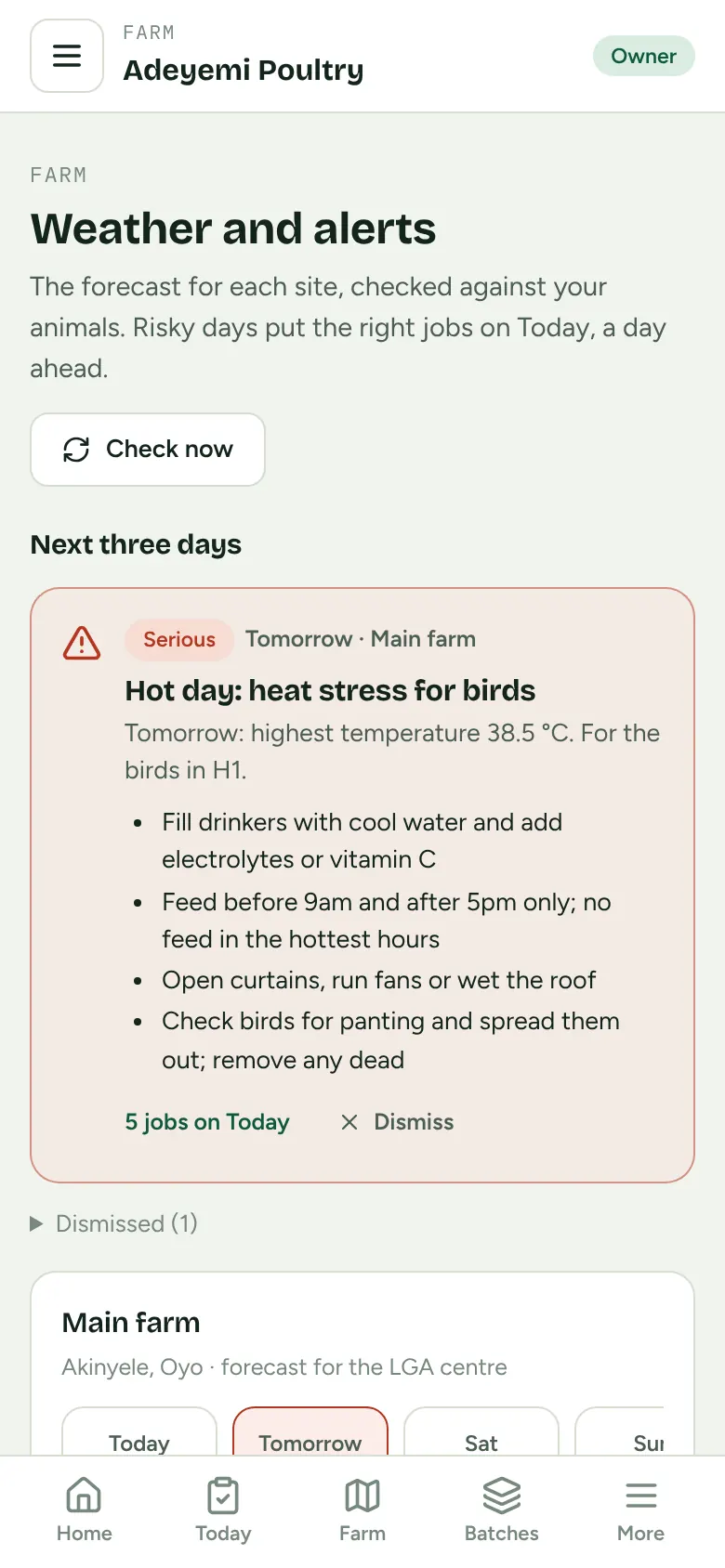
Weather turned into jobs
A hot day or heavy rain tomorrow puts the right jobs on today's list for your birds or fish, a day ahead.
Works without network
Keep recording in the pen or at the pond. Everything sends itself, once, when the phone finds signal.
Your team, your rules
Owner, manager, supervisor, worker, and guests like your vet or lender, each seeing only what you allow.
Made for how farms really work
Cheap phones, weak signal, busy mornings.
- Opens and works offline; nothing is lost if the phone dies mid-way
- Light enough for an entry-level Android on 3G
- Naira everywhere, Nigerian time, Nigerian states and LGAs
- Simple mode for workers: big buttons, only their own pens
- Your vet, buyer or lender sees only what you share, for as long as you choose
Install
Put Oko on your phone in a minute.
No app store needed. Installed, Oko opens from your home screen, full screen, and works without network. Sign in once with network first.
- 1Open Oko in Chrome and sign in
- 2Tap “Install app” (or ⋮ → Add to Home screen)
- 3Open Oko from your home screen
- 1Open Oko in Safari and sign in
- 2Tap the Share button, then “Add to Home Screen”
- 3Open Oko from your home screen (keeps your offline records safe)
- 1Open Oko in Chrome or Edge
- 2Click the install icon in the address bar
- 3Oko opens in its own window
We are setting up our first pilot farms.
Poultry or fish farm? We will set Oko up with you and your workers, and listen to what you need next.